Excavation Software | Earthworks for Accurate Quantity Takeoffs

What Is Excavation Software and How Does It Improve Takeoffs?
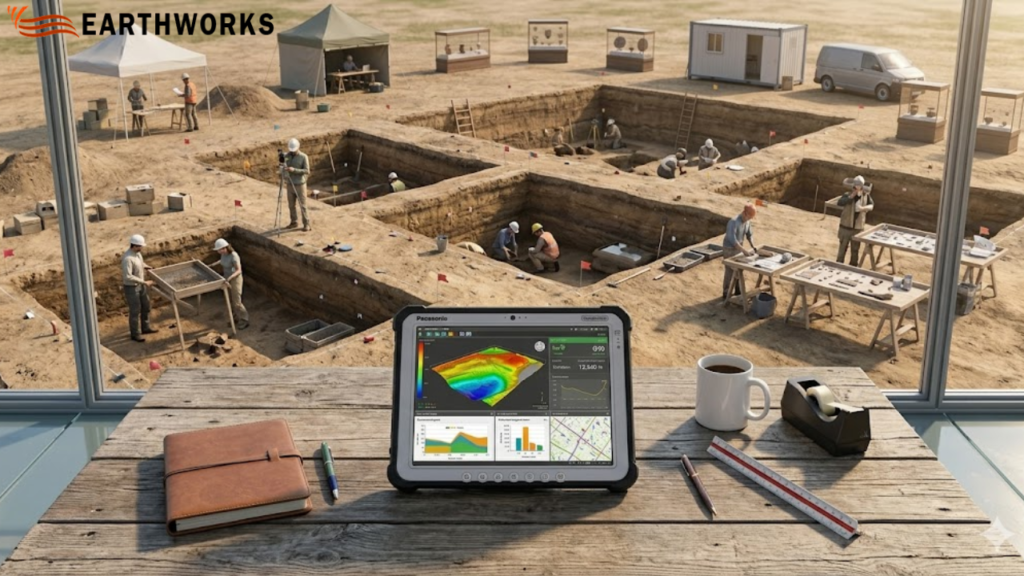
Excavation software displaying digital takeoff data and quantity estimates for an active excavation project site

At Earthworks, we focus on solving one of the most time-sensitive problems in construction estimating—turning drawings into accurate earthwork quantities without unnecessary delays or manual errors.

That’s why excavation software sits at the core of how Earthworks helps contractors, estimators, and civil teams move from project drawings to reliable cut-and-fill calculations in a faster, more controlled way.

Instead of spending hours tracing plans or building spreadsheets from scratch, Earthworks is designed to streamline the estimating process using structured digital takeoffs directly from PDF and CAD files.

The result is simple: clearer quantities, faster turnaround, and more consistent estimates.

Built for real estimating challenges in construction

Earthworks is designed specifically for excavation takeoffs and earthwork estimation workflows. It focuses on accuracy at the earliest stage of project planning—where most cost and time risks begin.

With Earthworks, users can:

  • Import PDF and CAD drawings for direct measurement
  • Perform digital excavation takeoffs on plan surfaces
  • Generate cut, fill, and net volume calculations
  • Reduce manual tracing and spreadsheet dependency
  • Work with structured, repeatable estimating workflows

Everything is built around improving speed and consistency in earthwork estimation.

How excavation software improves estimating accuracy

Traditional excavation estimating depends heavily on manual interpretation, which often leads to variation between estimators and repeated corrections later in the process.

Using digital tools, design drawings are converted into measurable surfaces. 

This allows users to:

  • Measure volumes directly from design files
  • Compare existing and proposed surfaces with precision
  • Automatically calculate cut, fill, and net quantities
  • Reduce interpretation errors from scaled drawings
  • Update quantities quickly when plans are revised

By linking every calculation directly to the drawing, Earthworks reduces uncertainty in early-stage estimating.

Why accuracy matters in excavation takeoffs

In construction estimation, even small errors can scale into significant cost differences across an entire project.

Common issues Earthworks helps reduce include:

  • Inconsistent manual measurements
  • Errors from scaling or drawing interpretation
  • Repetitive recalculation during revisions
  • Variations between estimators
  • Time lost in rework and correction cycles

Earthworks is designed to bring consistency to a process that is traditionally fragmented across tools and spreadsheets.

A structured workflow designed for clarity

Earthworks is built to keep the estimating process simple, structured, and repeatable.

A typical workflow includes:

  • Uploading project drawings (PDF or CAD)
  • Defining site surfaces for measurement
  • Running excavation and fill calculations
  • Reviewing cut, fill, and net results
  • Updating takeoffs when drawings change

This structured approach helps reduce unnecessary complexity and keeps estimation focused on output accuracy.

Reducing estimation risk with better data control

One of the key advantages of Earthworks is improved control over estimating data.

With digital tools, teams can: 

  • Maintain consistency across multiple estimates
  • Reduce manual calculation errors 
  • Ensure updates reflect across all quantities
  • Standardize reporting outputs
  • Support more consistent and reliable bid preparation 

This level of control helps reduce risk during early project planning, where accuracy has the highest financial impact.

Why contractors and estimators use Earthworks

Earthworks is designed for professionals who need reliable earthwork quantities without spending excessive time on manual processes.

Teams choose Earthworks for:

  • Faster digital takeoffs compared to manual methods
  • Reduced reliance on spreadsheets and manual tracing
  • Clear, structured earthwork estimation workflow
  • Easy handling of drawing revisions
  • Focused functionality for excavation estimating only

It is built to support estimating teams that prioritize speed, accuracy, and repeatability.

Trust and reliability in estimating workflows 

Earthworks is developed around a principle of measurable accuracy—helping ensure outputs are based directly on source drawings rather than manual interpretation. 

This improves:

  • Experience: Built around real-world estimating workflows
  • Expertise: Focused on excavation and earthwork takeoffs
  • Authority: Designed specifically for construction estimating use cases
  • Trust: Transparent, drawing-based measurement system

Keeping calculations grounded in design data helps improve clarity in early-stage project estimates. 

Where excavation software is heading in construction

The estimating process in construction is rapidly becoming more digital and data-driven.

With digital excavation tools, the industry is moving toward:

  • Faster, more repeatable digital takeoffs
  • Reduced reliance on manual measurement workflows 
  • More consistent quantity forecasting 
  • Standardized estimating outputs across teams
  • Improved handling of drawing revisions

Earthworks fits into this shift by focusing strictly on excavation and earthwork estimation workflows.

Final thoughts

Earthworks in San Diego is built to help construction teams produce faster, more accurate excavation takeoffs.

Replacing manual measurement with structured digital workflows improves consistency in quantity calculations and reduces time spent on repetitive estimating tasks.

From design drawings to earthwork quantities, the process becomes clearer, faster, and more reliable—giving teams greater confidence in every estimate.

For modern construction estimating, that clarity is not just helpful—it’s essential.

READ MORE
Earthworks Takeoff Software | Improve Cut & Fill Accuracy Fast

What Is Earthworks Takeoff Software and How Does It Work?

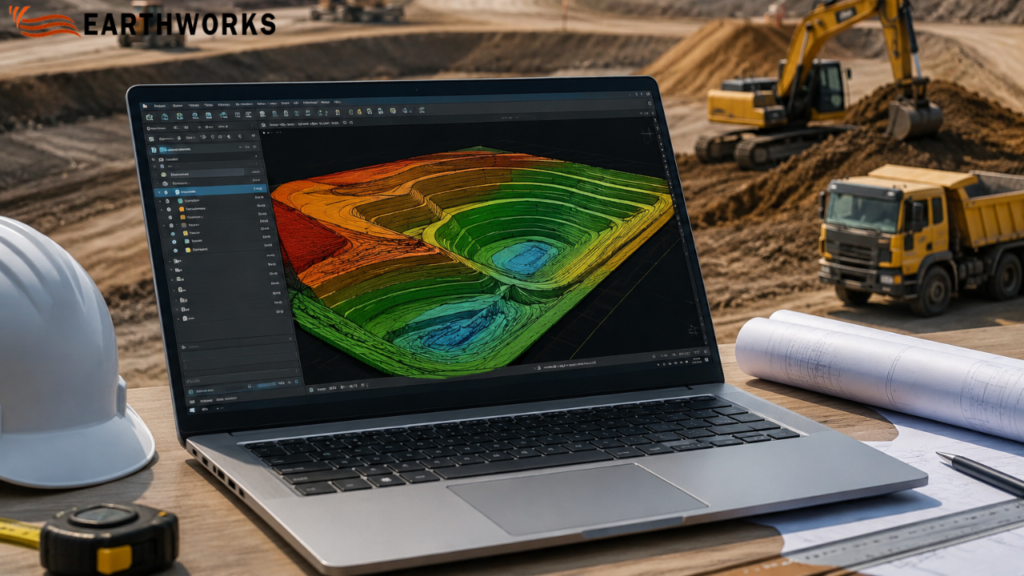
Earthworks takeoff software displaying cut and fill calculations and 3D terrain modeling for construction estimating

If you work on construction estimation, you already know how critical accuracy is when planning excavation, grading, and site preparation. So what exactly is Earthworks takeoff software, and why is it increasingly used in modern construction workflows? 

Simply put, it is a digital tool used to measure, calculate, and estimate soil movement quantities—such as cut, fill, and grading—directly from construction drawings or site plans with high accuracy. 

Instead of manual measurement, it automates calculations and helps contractors produce more consistent estimation outputs in construction projects.

What Is Earthworks in Construction?

Earthworks takeoff software is used to support calculation of cut, fill, and grading quantities from design drawings during early-stage estimation. 

It typically includes:

  • Site clearing and grading
  • Excavation for foundations
  • Road and infrastructure preparation
  • Landscaping and leveling
  • Cut-and-fill balancing

In simple terms: It is used to calculate cut, fill, and grading quantities directly from construction drawings. 

What Does Earthworks Takeoff Software Actually Do?

Earthworks takeoff software calculates material quantities from digital construction drawings using automated measurement workflows. 

Direct answer:

It measures cut and fill volumes by analyzing terrain surfaces and elevation data from construction drawings. 

This eliminates manual calculations and helps reduce manual calculation errors.

How Does Earthworks Takeoff Software Work?

The process is structured and data-driven:

  1. Import CAD drawings or PDF site plans 
  2. Define site boundaries and existing terrain
  3. Mark proposed grading or design surfaces
  4. Software calculates cut, fill, and total volume differences
  5. Generate reports for cost estimation and planning

Why Is Earthworks Takeoff Software Important?

Construction bidding is highly competitive, and even small errors in estimation can lead to major financial loss.

Here’s why this software matters:

  1. Improves Estimation Accuracy

It reduces human error in calculating soil volumes and elevation differences.

  1. Speeds Up Bid Preparation

Estimates that used to take days can now be completed in hours.

  1. Project Planning Workflows 

Contractors can better plan equipment, labor, and material usage.

  1. Supports Cost Planning 

Accurate cut-and-fill data supports better cost planning and helps reduce unexpected site costs. 

  1. Supports Better Decision-Making

Teams can compare design options and optimize Earthworks strategies.

What Problems Does It Solve in Real Projects?

Problem: Manual measurement errors

Even small mistakes in elevation readings can distort total cost.

Solution:

Automated calculations help reduce errors in quantity takeoffs. 

Problem: Delayed bidding process

Digital takeoff workflows help speed up bid preparation. 

Solution:

Digital tools speed up the entire planning workflows.

Problem: Unclear terrain understanding

3D tools help visualize terrain from design drawings. 

Solution:

3D visualization provides a clear view of site conditions.

Problem: Budget uncertainty

More consistent quantity calculations support cost planning. 

Solution:

More precise volume calculations support better financial planning and control 

Who Uses Earthworks Takeoff Software?

This technology is used across multiple construction roles:

  • Civil engineers
  • Estimators and quantity surveyors
  • Construction project managers
  • Earthmoving contractors
  • Infrastructure developers

Even small contractors working on Earthworks projects now use it to stay competitive in bidding.

Is It Only Useful for Large Construction Companies?

No, and this is a common misconception.

While large firms were early adopters, smaller businesses now benefit equally because:

  • Bid competition is tighter
  • Clients expect faster estimates
  • Margins are more sensitive
  • Accuracy directly impacts profitability

Even small-scale Earthworks projects like residential grading or local roadworks benefit from digital takeoff tools.

What Features Make Good Earthworks Takeoff Software?

Not all tools offer the same level of precision or usability.

Key features to look for:

  • 2D and 3D terrain modeling
  • Automated cut and fill calculations
  • CAD file compatibility
  • Real-time measurement updates
  • Custom reporting for bids
  • Cloud-based collaboration tools

The goal is not just automation—but reliable, repeatable accuracy in Earthworks estimation.

Can It Fully Replace Manual Estimation?

No, but it significantly reduces reliance on manual work.

Clear answer:

It automates major calculation tasks, but human expertise is still needed for interpretation, assumptions, and site-specific adjustments.

So instead of replacing estimators, it enhances their efficiency.

Why Is It Becoming Industry Standard?

Construction workflows are increasingly using digital tools for estimation, measurement, and reporting. Earthworks takeoff software is used in these workflows for quantity calculation from drawings. 

Final Answer: Is Earthworks Takeoff Software Worth It?

Yes—especially for any contractor involved in excavation, grading, or site preparation.

To summarize:

Earthworks takeoff software is a digital estimation tool that calculates cut, fill, and grading volumes from construction drawings to support estimation workflows in construction projects. 

For modern site preparation projects, it is no longer just a convenience—it is a competitive necessity.

READ MORE